
FuelRadar app
Check fuel prices before you leave
Open FuelRadar before you head out. Pick the fuel your car takes, check nearby prices and when they were reported, then choose a station.


- Prices near you
- Australian coverage
- Saved stations
- Price alerts
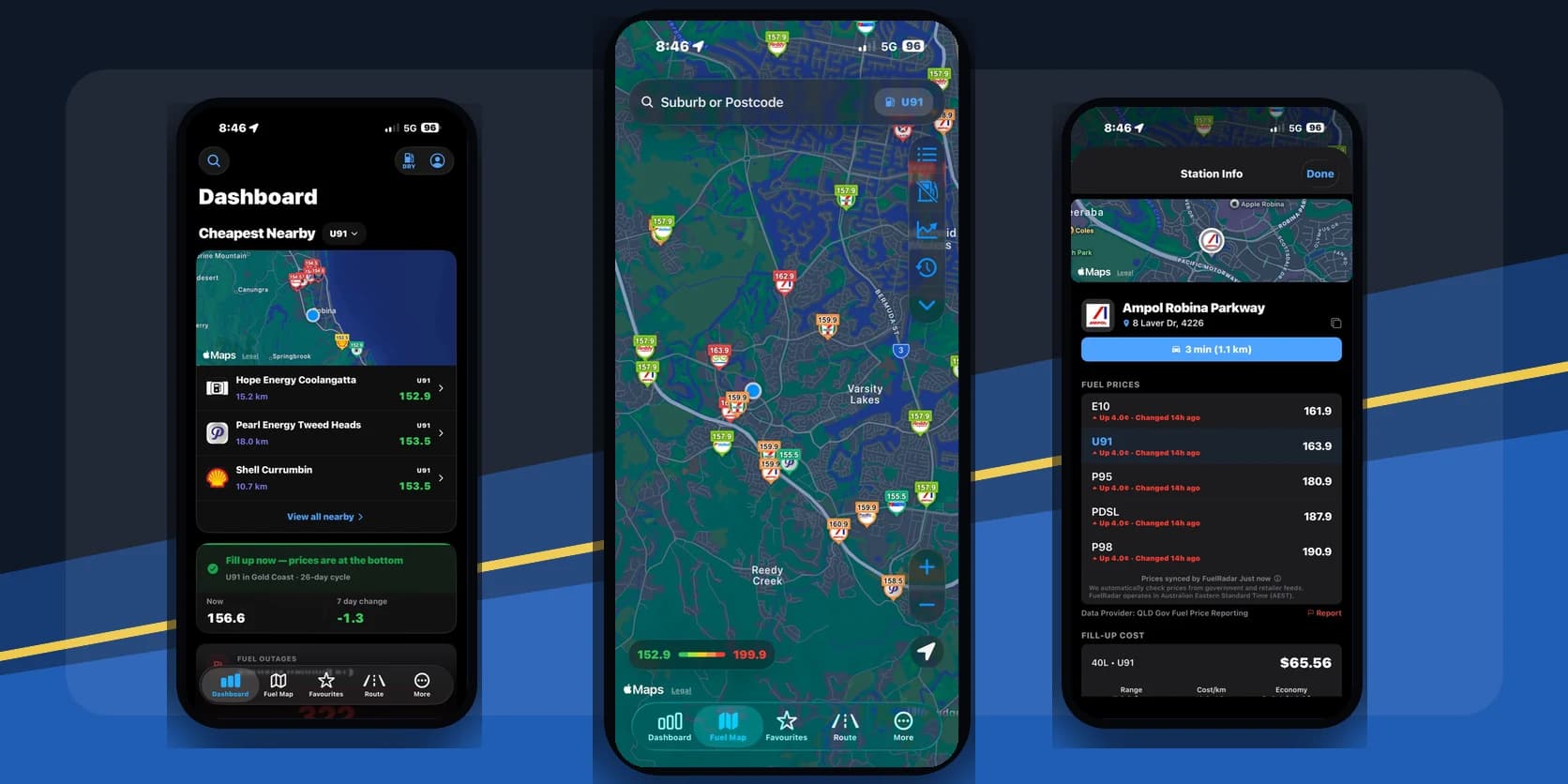
Using the app
Find a station in a few taps
Start with an area or your current location, then check the details before you set off.
Step 1
Start near you
Search a suburb or postcode, or open the nearby map when you are already out.
Step 2
Pick your fuel
Choose the petrol your car takes so you are comparing like with like.
Step 3
Check the price is fresh
Look at the report time and distance before driving out of your way.
Step 4
Save it or head there
Keep the station for next time, set an alert or open directions in your maps app.
FuelRadar+
Let FuelRadar keep an eye on prices for you
If you check the same stations each week or wait for prices to drop, FuelRadar+ takes some of the repetition out of it.
Keep more favourites and alerts
Save more of your regular service stations and set more target-price alerts.
Get a heads-up near the low point
In supported cities, a cycle-low alert can tell you when it may be a good time for a fuller tank.
Browse the website without ads
Sign in with your FuelRadar+ account and the ads disappear from the website.
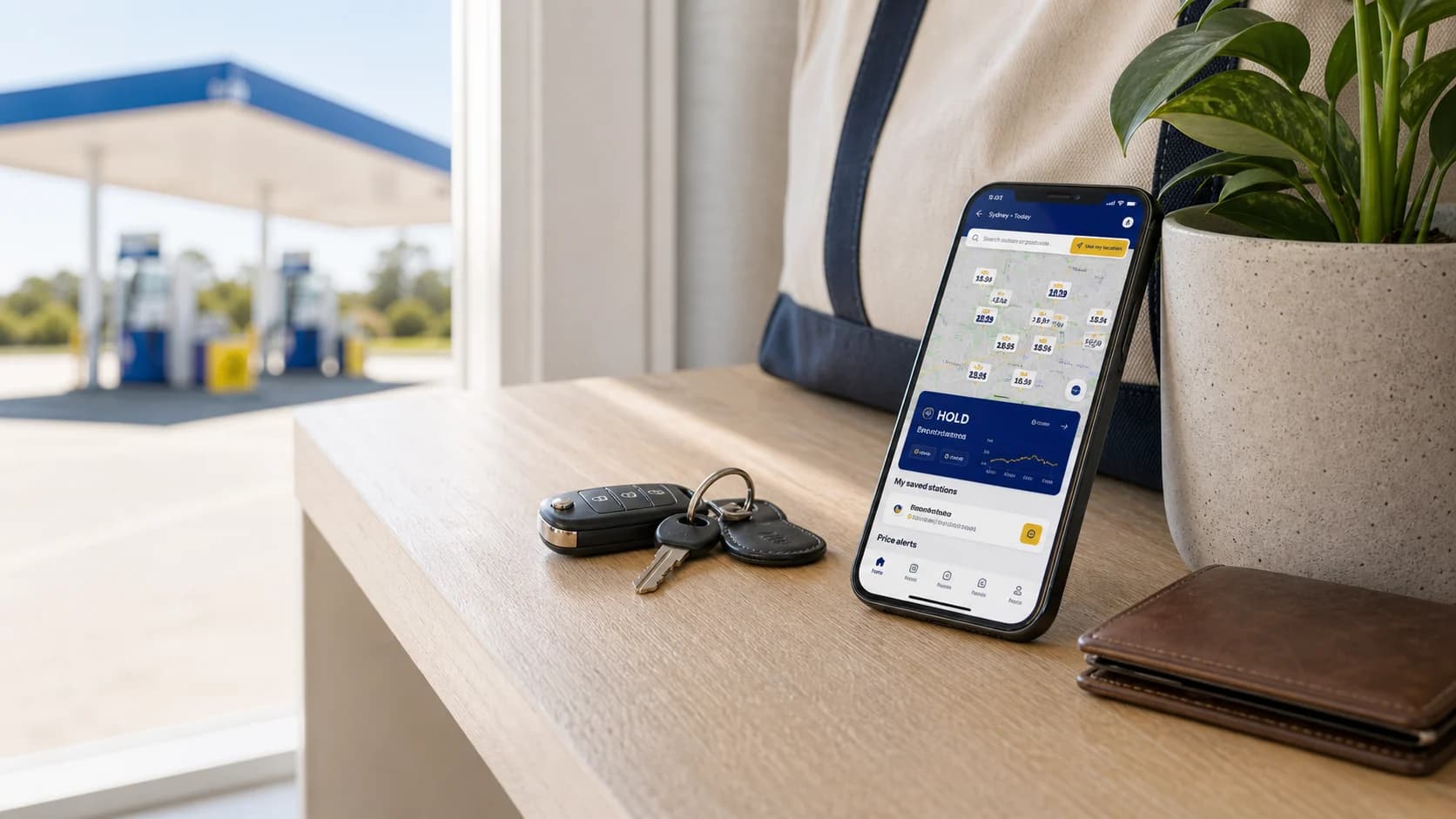
Before you change route
A cheaper price can still cost you more
A long detour can wipe out the saving. Check the distance and report time before you go.
Example on a 50 litre fill
$6.00
saved when the price gap is 12c/L, before the fuel and time used on the detour.
Check these four things in the app
- 01Make sure it is the fuel your car takes.
- 02Check when the price was reported.
- 03Count the extra kilometres there and back.
- 04Check the bowser price before you start filling.
What's in the app
Use the map without signing in
Search and compare straight away. Sign in only when you want to keep a station or set an alert.
FuelRadar+ is optional. Everyone sees the same public map and station prices.
Common questions
FuelRadar app questions
Yes. Open the map, choose your petrol type and compare nearby stations. You only need an account if you want to save stations or set an alert.
Download FuelRadar
Take FuelRadar with you
Check prices from your phone, save the stations you use and get an alert when a price you want turns up.